Choosing the right automation
Compare smart cabinets, coolers, shelving, and stores against your operational needs.
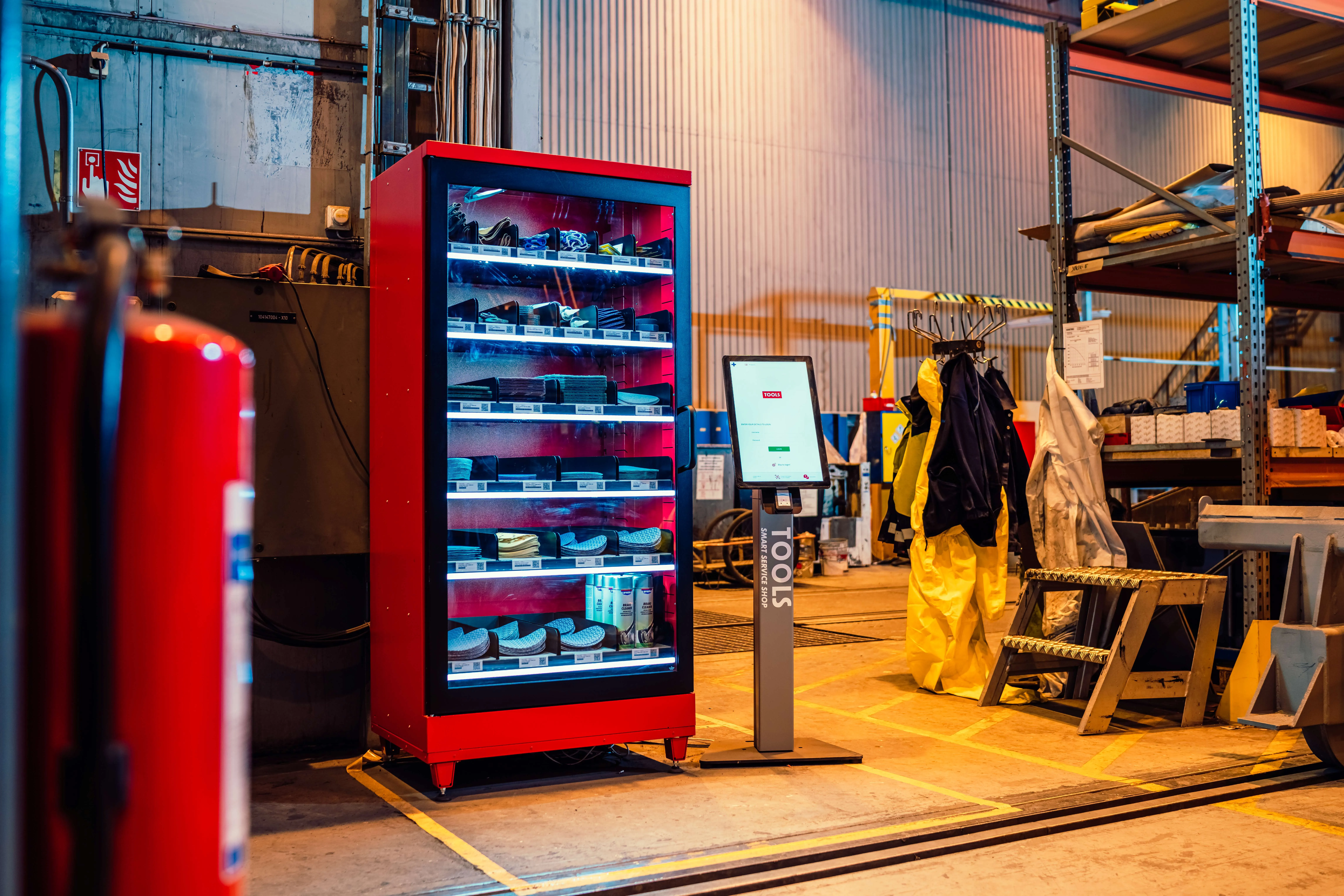
Physical supply automation is not one product; it is a platform with different hardware at different points of use. The right choice starts from the supply flow, not the machine. This guide maps common operational challenges to the solution built for each, and shows why the platform underneath matters more than any single unit.
Start from the challenge
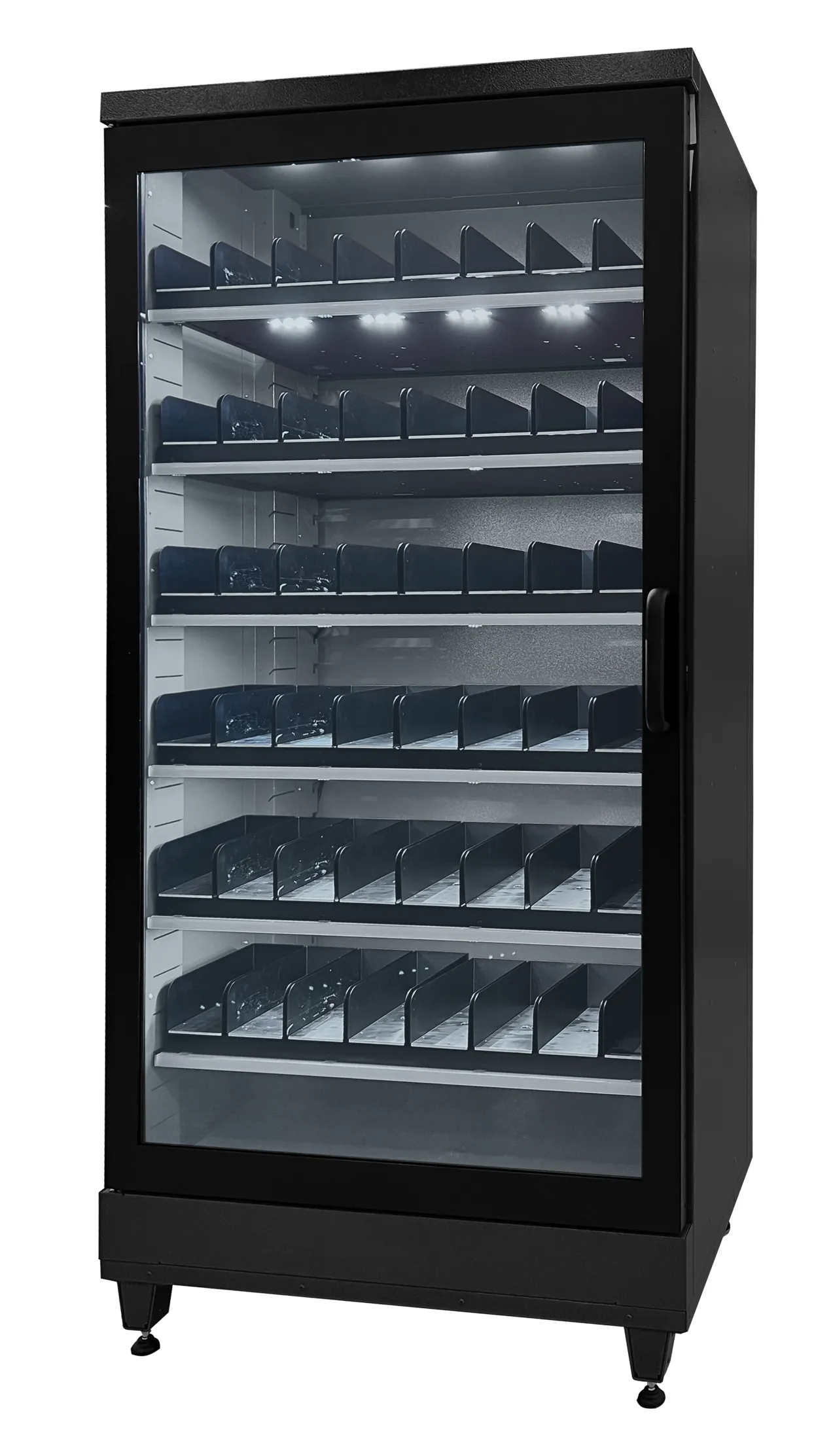
Match the solution to the flow. Secure tools, calibrated equipment, and high-value items belong in a Smart Cabinet. Fresh food and beverages run through a Smart Cooler, frozen products through a Smart Freezer. Fast-moving industrial consumables sit on Open Shelf, bulk materials on Pallet Scale. Keys and controlled assets go to Key Management, and fully autonomous retail runs as an Automated Store.
Choosing by environment
In manufacturing, start with Smart Cabinets where loss and search time hurt most (tools, PPE, calibrated instruments), Open Shelf for line-side consumables, and Pallet Scale for bulk: accountability at controlled points, zero-friction flow at open ones. In logistics, Open Shelf and Pallet Scale give warehouses live visibility of operational supplies, Smart Cabinets secure high-value equipment, and Key Management controls vehicle and facility access.
In retail, Smart Coolers and Automated Store formats run unattended points of sale with real-time stock, while the same data layer manages back-room supplies. In the workplace, Smart Coolers cover refreshment and Smart Cabinets IT peripherals and consumables, one platform across offices with consumption-based replenishment. And in healthcare and regulated environments, Smart Cabinets provide controlled access with full per-person traceability for medical supplies.
Choose hardware per flow; choose the platform once.
The questions that decide
Five questions settle most configurations. Does the item need accountability? If loss matters, choose access control (Smart Cabinet, Key Management); if speed matters more, choose open flow with tracking (Open Shelf). Does it need temperature? Cooler, Freezer, or ambient decides the hardware family. Who accesses it: employees only, with badge or app, or the public, with payment integration?
What volume and size, from cabinet slots to pallets, decides the physical format. And what must it connect to? ERP, WMS, and procurement integration needs shape the deployment more than hardware does.
Why the platform decides the outcome
Any single unit solves a local problem. The return multiplies when every unit (cabinet, cooler, shelf, store) runs on the same platform: one management view in Instant Cockpit, one data model, one integration into your systems, ISSA assisting across all of it, and each additional site cheaper to add than the last. Choose hardware per flow; choose the platform once.
If you are still unsure
Do not choose in the abstract. A short assessment of your supply flows, what runs out, what disappears, what consumes labour, usually makes the configuration obvious.
Guide: Planning your rollout
A practical path from first pilot to multi-site deployment, step by step.
Key takeaways
Related articles
 Cornerstone guide
What are smart industrial inventory systems?
A complete guide to the hardware, software, and integrations that power modern supply automation.
Read more →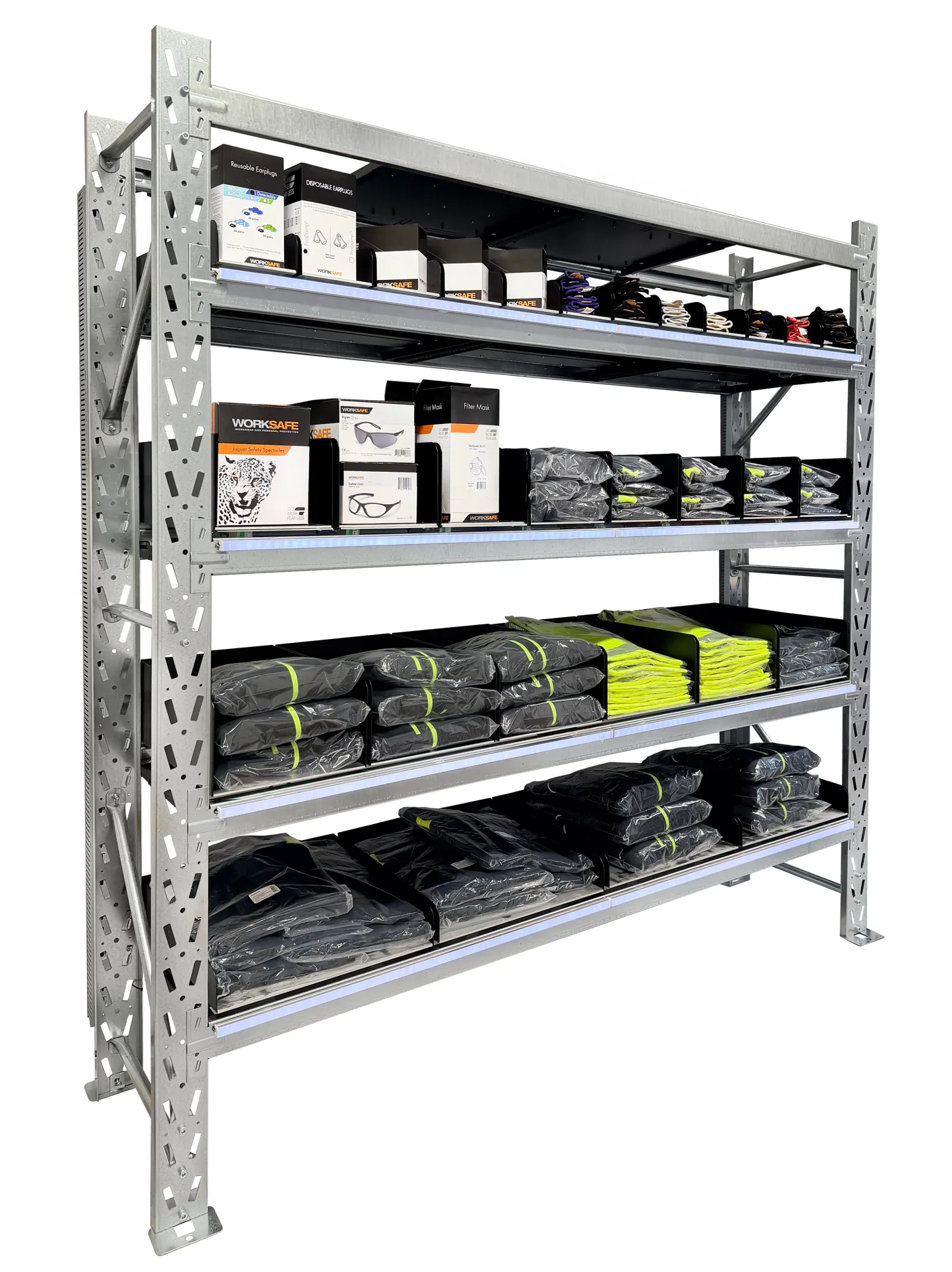 Tool control
Lost tools, lost time, lost money in manufacturing
How smart cabinets and automated tracking eliminate tool loss and improve shop-floor accountability.
Read more →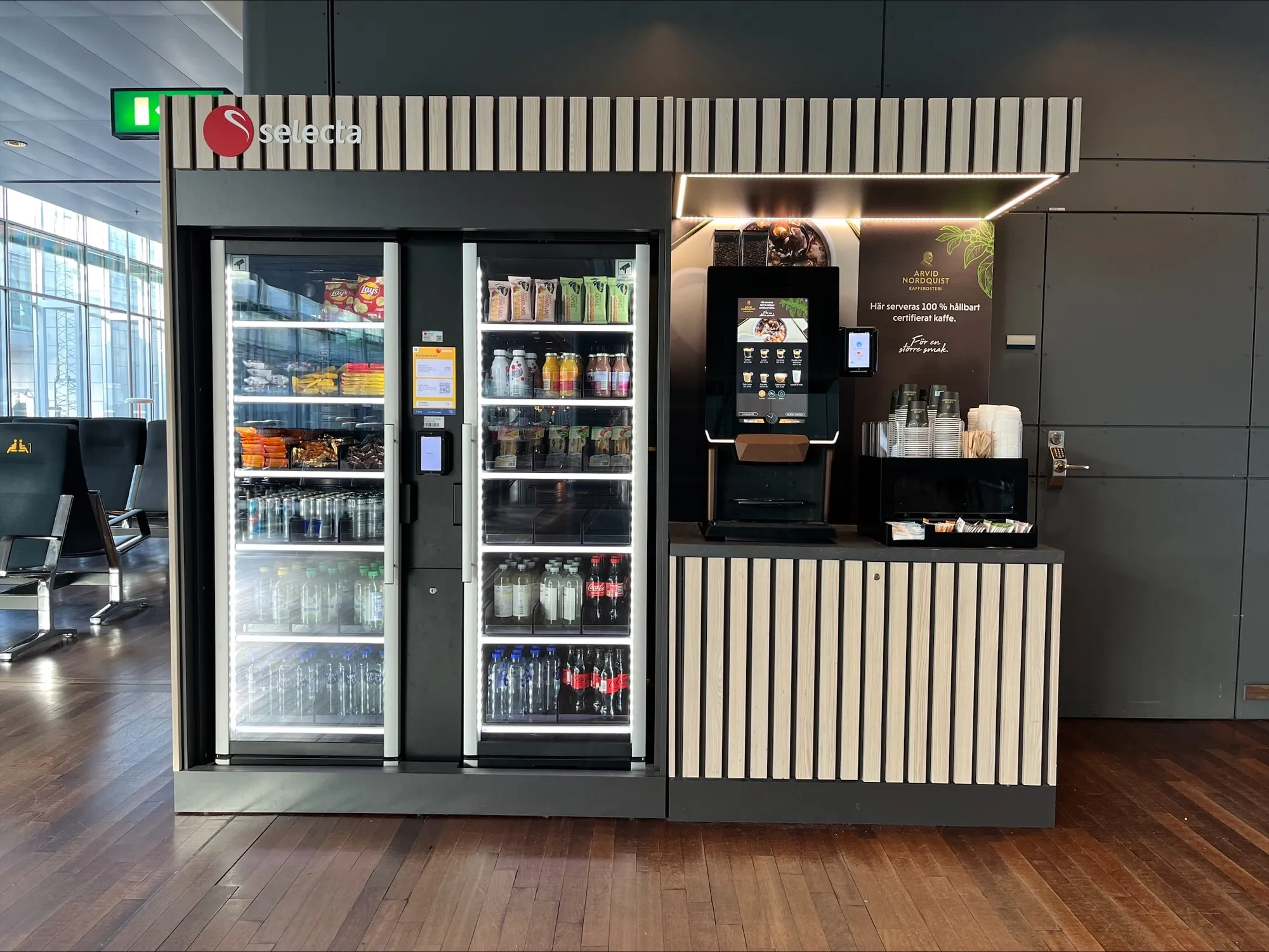 Logistics
The future of automated supply systems in logistics
Emerging trends in warehouse automation, real-time visibility, and autonomous inventory across distribution networks.
Read more →Stay informed
Get the latest on inventory automation, supply chain strategy, and workplace efficiency.
Ready to automate your physical supply?
Let’s discuss your operational challenges.